Do you take a fee per booking?
No. LogicWeft Salon runs on your own WooCommerce site. Payments go through your own gateway, straight to you, with no per-booking or monthly fee.
Do I need WooCommerce?
Yes. Services are WooCommerce products and appointments are WooCommerce orders, so checkout, payments, taxes, coupons and emails stay WooCommerce's.
Can clients book without an account?
Yes. Clients can book as guests with a phone number. Clients with an account also see their appointments under My Account.
Does it send SMS or WhatsApp messages?
Not in the free plugin, which sends WooCommerce emails for bookings, reminders, reschedules and cancellations. SMS and WhatsApp are planned for Pro.
Does it work with my theme?
Yes. The booking widget takes on your theme's fonts and fits its container. The Operator App has its own full-screen page, so your theme never gets in its way.
What hardware do I need?
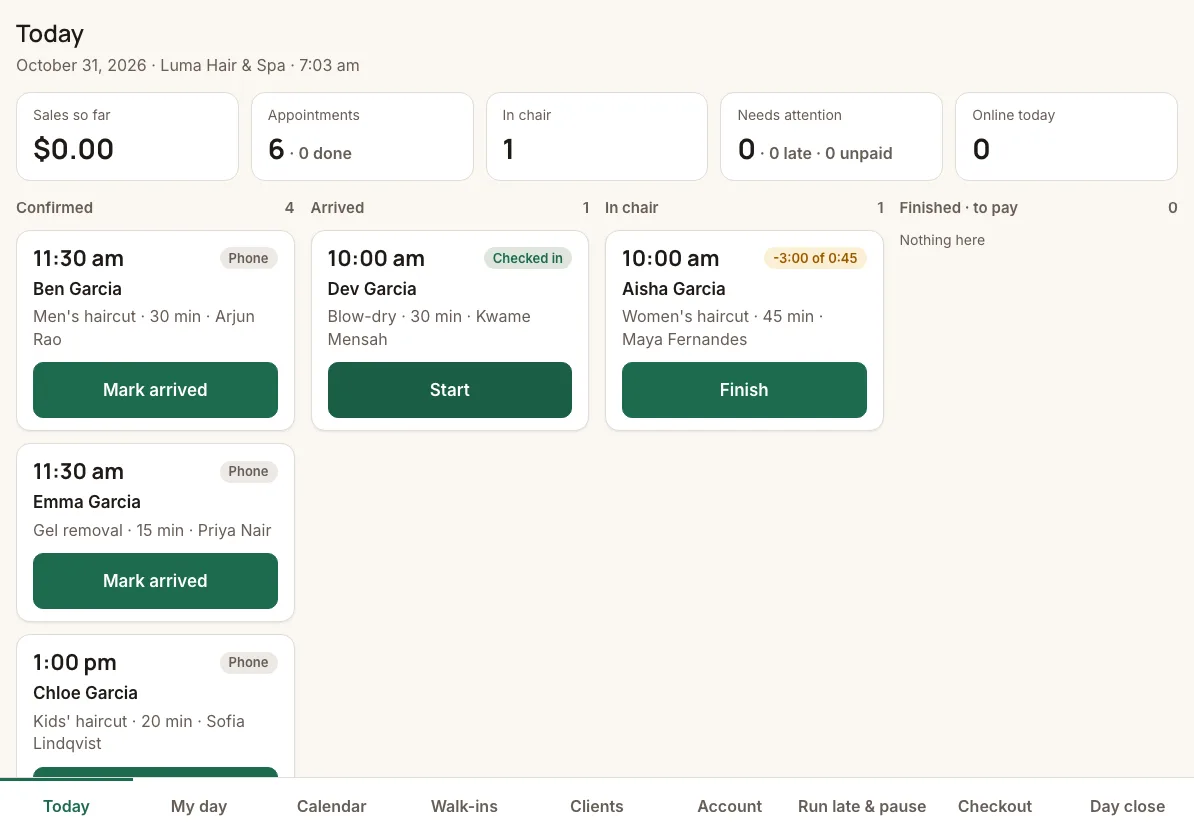
Any recent tablet or phone with a browser. A tablet at the front desk for the Today board and each stylist's own phone for My day is the usual set-up.
What does it need to run?
WordPress 6.6 or later, WooCommerce 9.5 or later and PHP 8.1 or later.
Can I try it before installing?
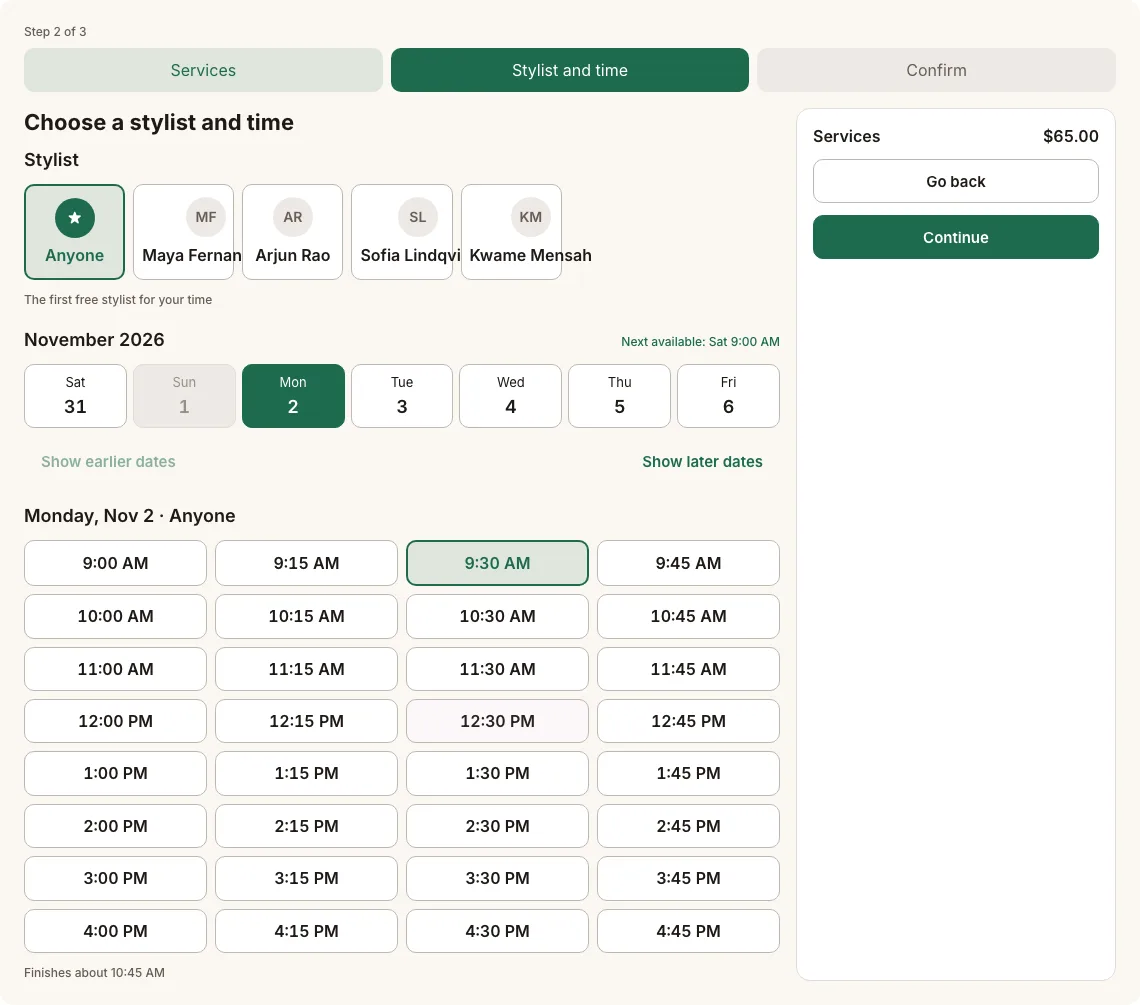
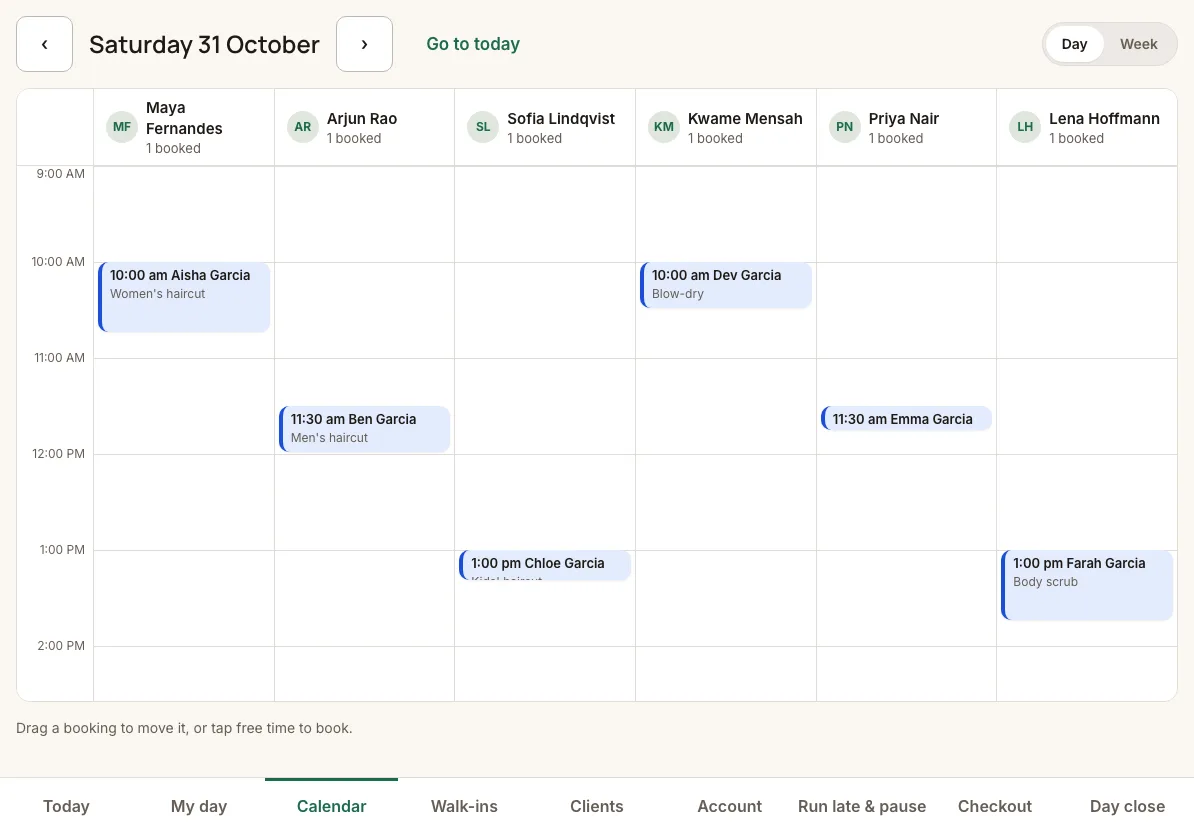
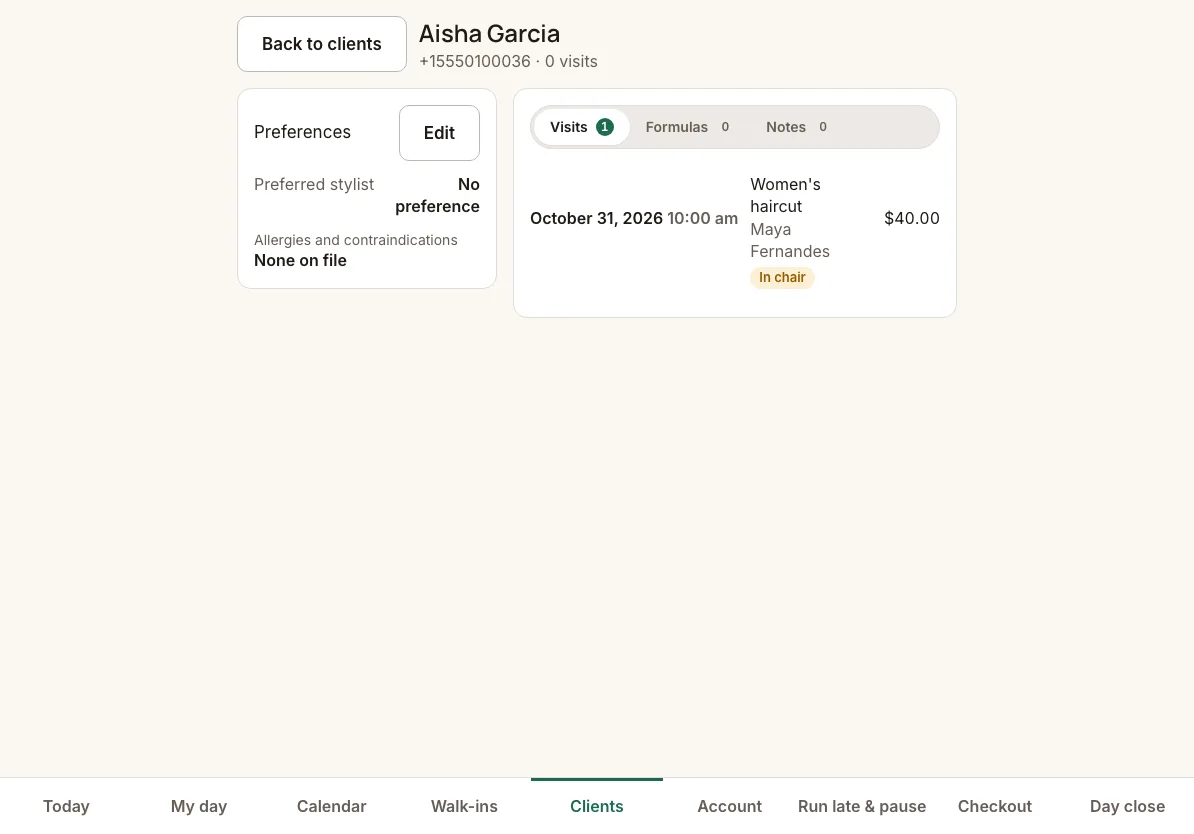
Yes. The live demo is a salon called Luma Hair & Spa with six stylists and two weeks of appointments. Book as a client on its booking page, then open the staff app as demo-owner (Today board, calendar, clients and day close), demo-receptionist (front desk) or demo-stylist (My day). The password is the username. No payment is taken, no email is sent, and everything resets every night.
Where do I get it?
The free plugin is on the WordPress.org Plugin Directory. Install it from your WordPress admin: go to Plugins → Add New Plugin and search for LogicWeft Salon.